
All school data in one place, as the basis for better education.
Results in the pupil monitoring system, absence in the administration, surveys in a spreadsheet: anyone who wants to know how the school is doing first spends hours gathering data. TRIPS connects your school’s source systems and puts the data in one environment. There you see per pupil, group, school and school board what is going well and where attention is needed. TRIPS works for schools in primary, secondary and special education.

Set up per school, for every type of school
Every school has its own source systems, its own standards and its own questions. That is why we set up the TRIPS environment per school: you decide which systems we connect and which visualisations are ready to use. Teachers see what works in their own group or class. School leaders and school boards see per school where things are going well and where they are not, without losing sight of the privacy of individual pupils and teachers.
Primary education
Results from ParnasSys or ESIS, the pupil survey and the school’s own standard in one picture, per group and per school. The internal support coordinator and the class teacher look at the same figures. The school board sees all its schools side by side.
Secondary education
Grades from Magister or Somtoday, absence and exam results per department, class and teacher. Teachers see the effect of their own lessons and take that into their development conversation. The school leadership knows where attention is needed.
Special education
Using the school’s own standard, TRIPS calculates whether a pupil is below, at or above the expected level. Learning routes and exit profiles sit next to the results. So the time goes to the pupil, not to the arithmetic.
The Copilot builds your visualisations, answers questions about your school data and writes the explanation.
More about the CopilotExplore: all your school’s data in one dashboard
TRIPS Explore is the basis of TRIPS. This is where the data from your source systems comes together automatically: results, absence, pupil characteristics and surveys. You build visualisations with it yourself, or you use the standard visualisations we set up at the start. So you see the results per pupil, per subject area or per learning route, and you see in time when a group is falling behind.
More about Explore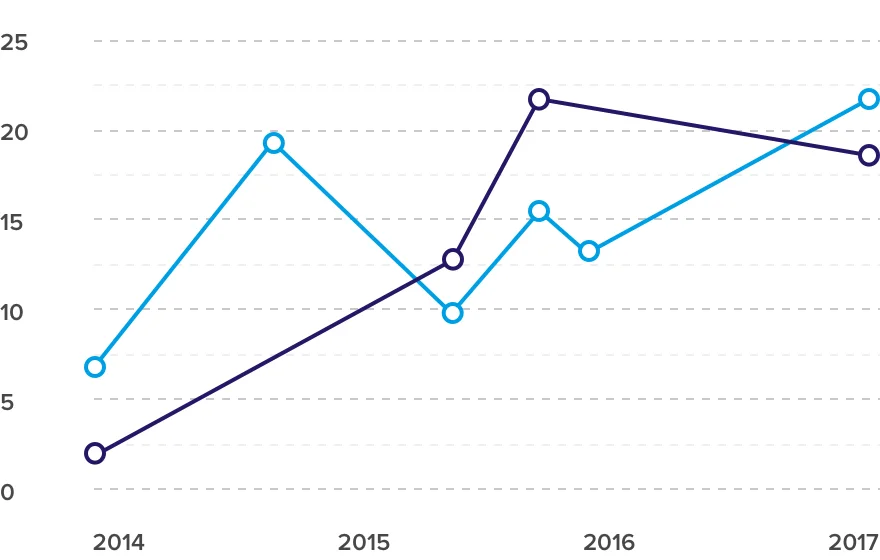
Guide: the development conversation with the data at hand
Data alone does not improve a lesson. That happens in the conversation about it. Guide is the appraisal cycle of TRIPS: the teacher chooses which visualisations from Explore come to the table, and with whom. Agreements and next steps are recorded in one place, so they come back at the next conversation. The manager safeguards the structure of the cycle, the teacher stays in charge of the content.
More about Guide
Quest: asking pupils and colleagues for feedback
With Quest you send out pupil surveys, lesson observations, 360° feedback and self-reflections. The questionnaires are short and cover one theme, so you actually read the answers. You can combine questionnaires: what pupils say next to what a colleague saw in the lesson. As a teacher, you decide which questionnaire you send out and who sees the results.
They can be filled in on a phone, tablet or computer. The results then appear in Explore, next to the other data of your school.
More about Quest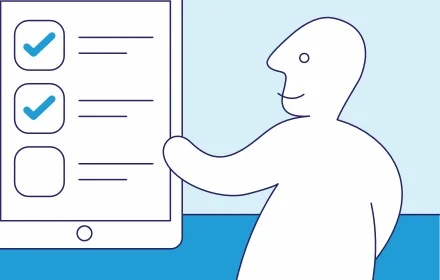
TRIPS: developed for and with schools
TRIPS was made together with schools in primary, secondary and special education. We connect the systems, set up the environment and teach your team to work with it themselves. The whole programme takes about two years, but from two weeks after the data inventory you are already working with your own data.
More about TRIPS
Audits: the quality of all the school board’s schools in view
For school boards with several schools there is Audits. The elements of the inspection framework and the board’s own priorities sit on digital quality cards. For each school a self-evaluator fills in the card and an auditor responds, in the same system. The board sees per school and across all schools together where quality is in order and where it is not.
More about Audits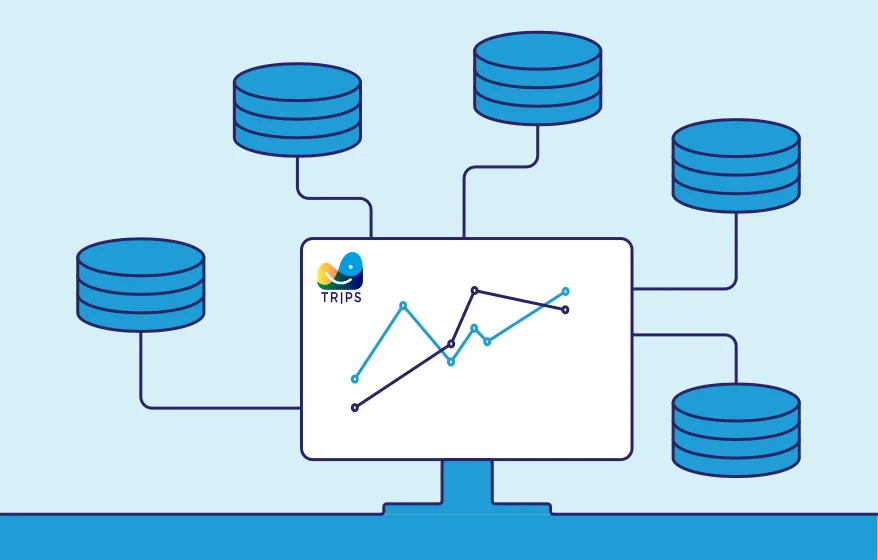
Want to see what TRIPS can do with your school’s data?
In a knowledge session we show how TRIPS works with examples from your type of school, and what it asks of your team.